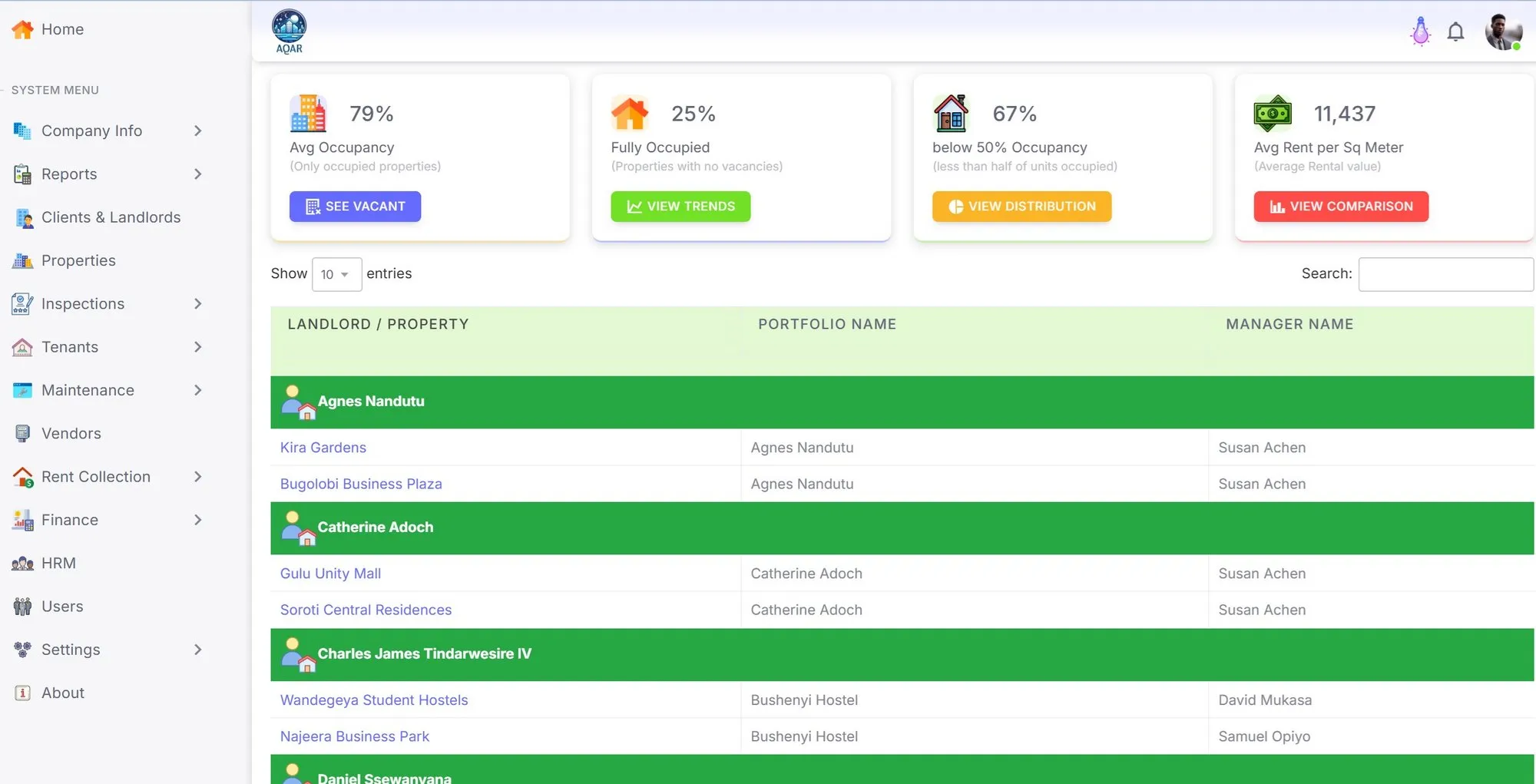
Command centre
Portfolio health, occupancy, arrears, lease expiries, unverified payments, maintenance queues, and manager actions in one dashboard.

Property management software for Uganda and East Africa
AQAR helps property managers, portfolio landlords, accountants, and tenants run rent collection, payment proof, leases, maintenance, inspections, remittances, and landlord reporting from one cloud platform.
No installation. Browser-based demo with real product screens.
UG-first
rent operations built around Uganda workflows
Since 2018
company history recorded in the project profile
EN + FR
English and French site content
Live demo
browser-based product screens to explore
AQAR is cloud property management software for rental operations. It gives property managers and landlords a structured system for properties, units, tenants, leases, rent invoices, payment proof verification, receipts, maintenance requests, inspections, landlord remittance statements, documents, and role-based access.

Payment screenshots arrive through WhatsApp and staff still have to match them to tenants, units, and invoices.
Landlord reports take too long to prepare, which creates follow-up calls, trust issues, and repeated explanations.
Maintenance requests, inspection photos, lease files, and receipts get scattered across phones, paper folders, and email threads.
Managers need to know what needs action today, not just browse another table of records.
Aqar connects the work your team handles every month: billing tenants, verifying payments, following up arrears, resolving maintenance, closing periods, and reporting to landlords.
Portfolio health, occupancy, arrears, lease expiries, unverified payments, maintenance queues, and manager actions in one dashboard.
Generate invoices, record payments, verify tenant proof, issue receipts, track arrears, and keep balances explainable.
Close periods with commissions, deductions, landlord statements, remittance status, and downloadable financial outputs.
Capture requests, photos, assignments, costs, status changes, inspection checklists, and evidence-backed reports.
Keep leases, receipts, statements, inspection documents, notices, and entity-linked files controlled and searchable.
Use role-based access, company isolation, support controls, and activity history for sensitive financial and tenant actions.
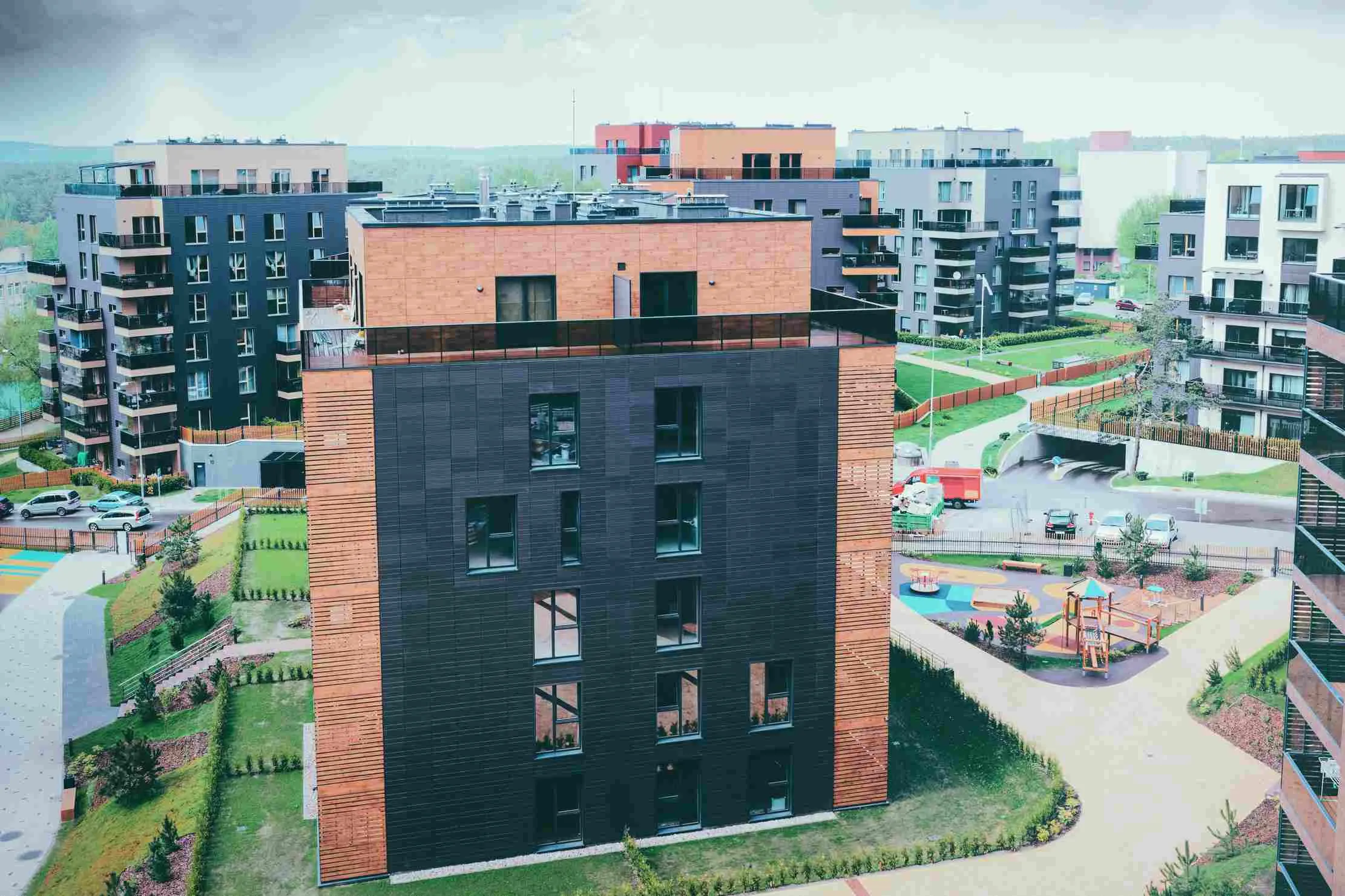
Import properties, units, landlords, tenants, leases, rent amounts, deposits, documents, and opening balances.
Generate rent invoices, send approved reminders, track unpaid balances, and keep communication tied to each tenancy.
Move payment proof from chat threads into a review queue where accountants can verify, reject, receipt, and allocate.
Produce landlord statements, remittance summaries, deductions, arrears views, maintenance costs, and clear downloadable reports.
Review the main work areas in AQAR: dashboards, payment records, vacancy views, maintenance reports, role management, and landlord remittance outputs.
Properties, occupancy, status, and portfolio visibility for managers.
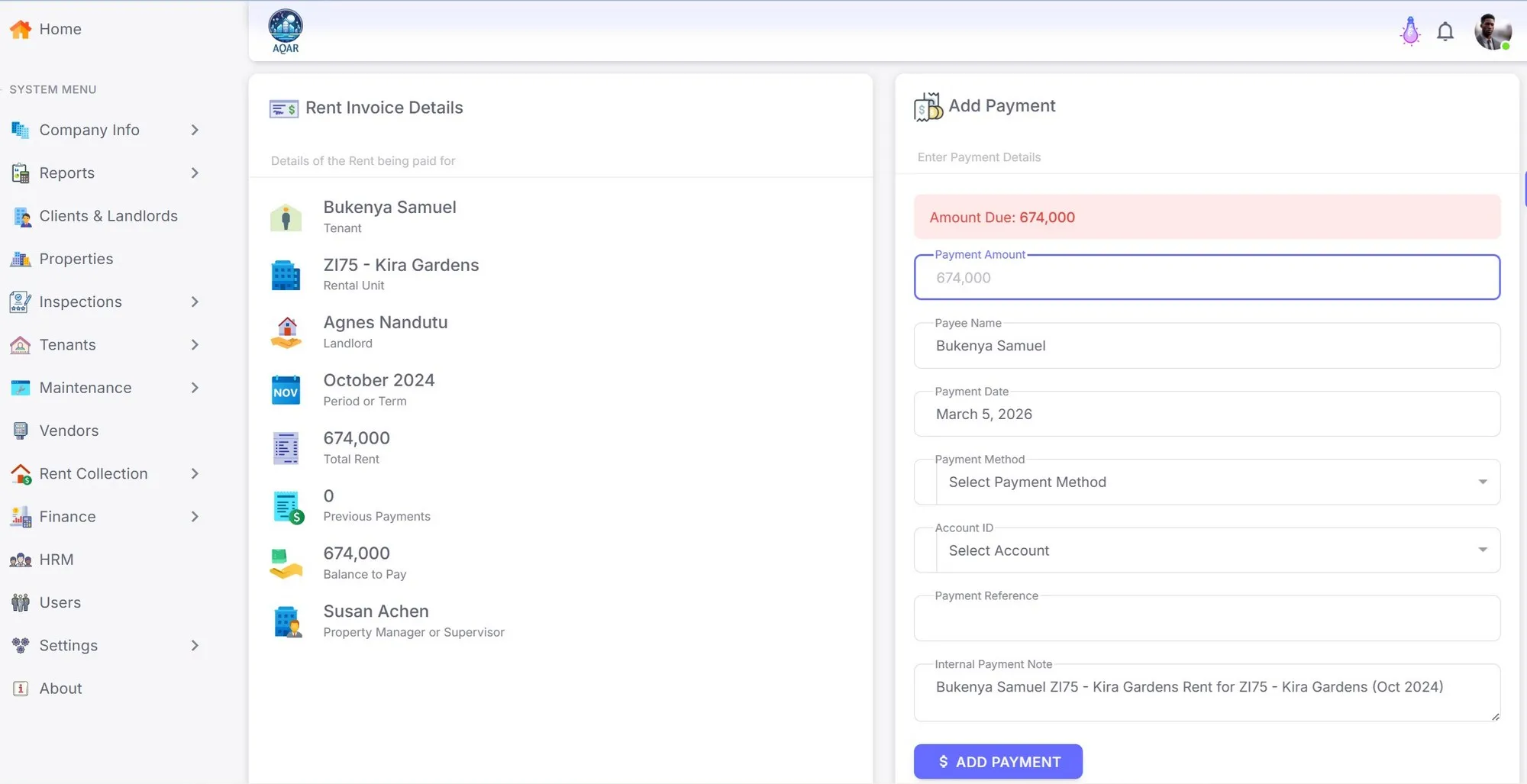
Track rent payments, references, balances, and collection activity.
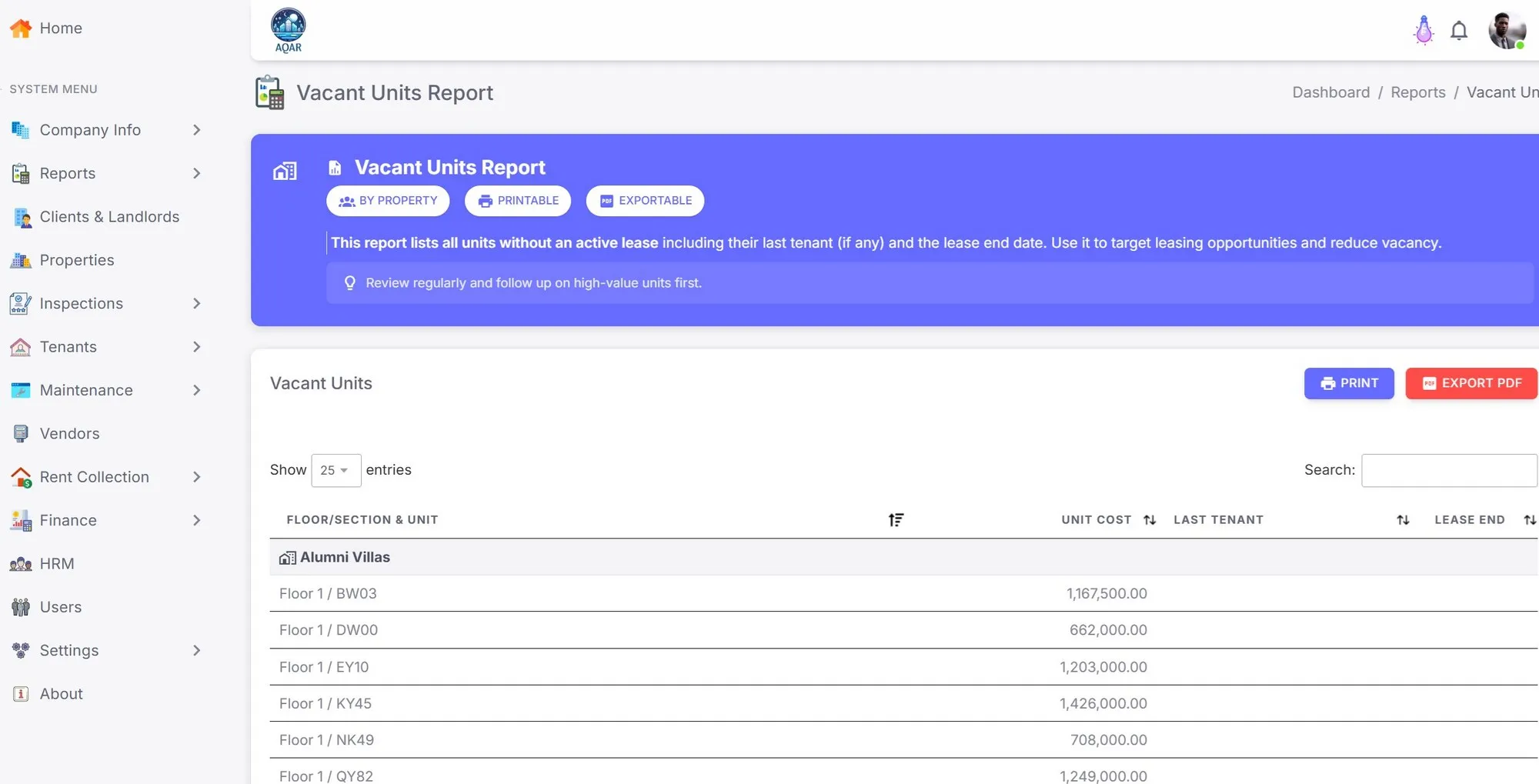
Know which units are vacant, occupied, due, or needing action.
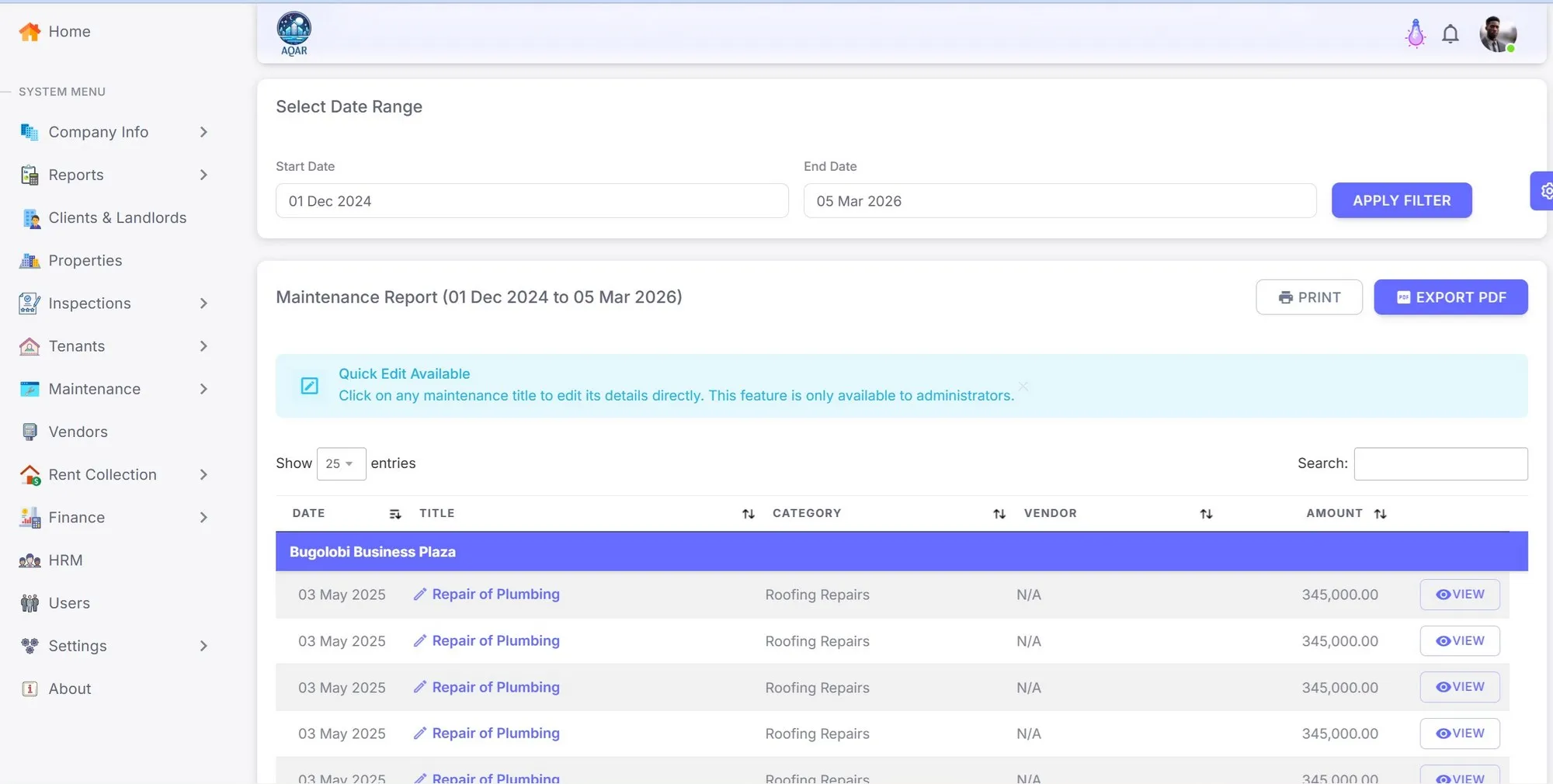
Review requests, costs, status, and maintenance evidence.
AQAR keeps tenant, payment, lease, document, and maintenance records inside controlled company workflows with role-based access, audit history, and DPPA-aware data handling.
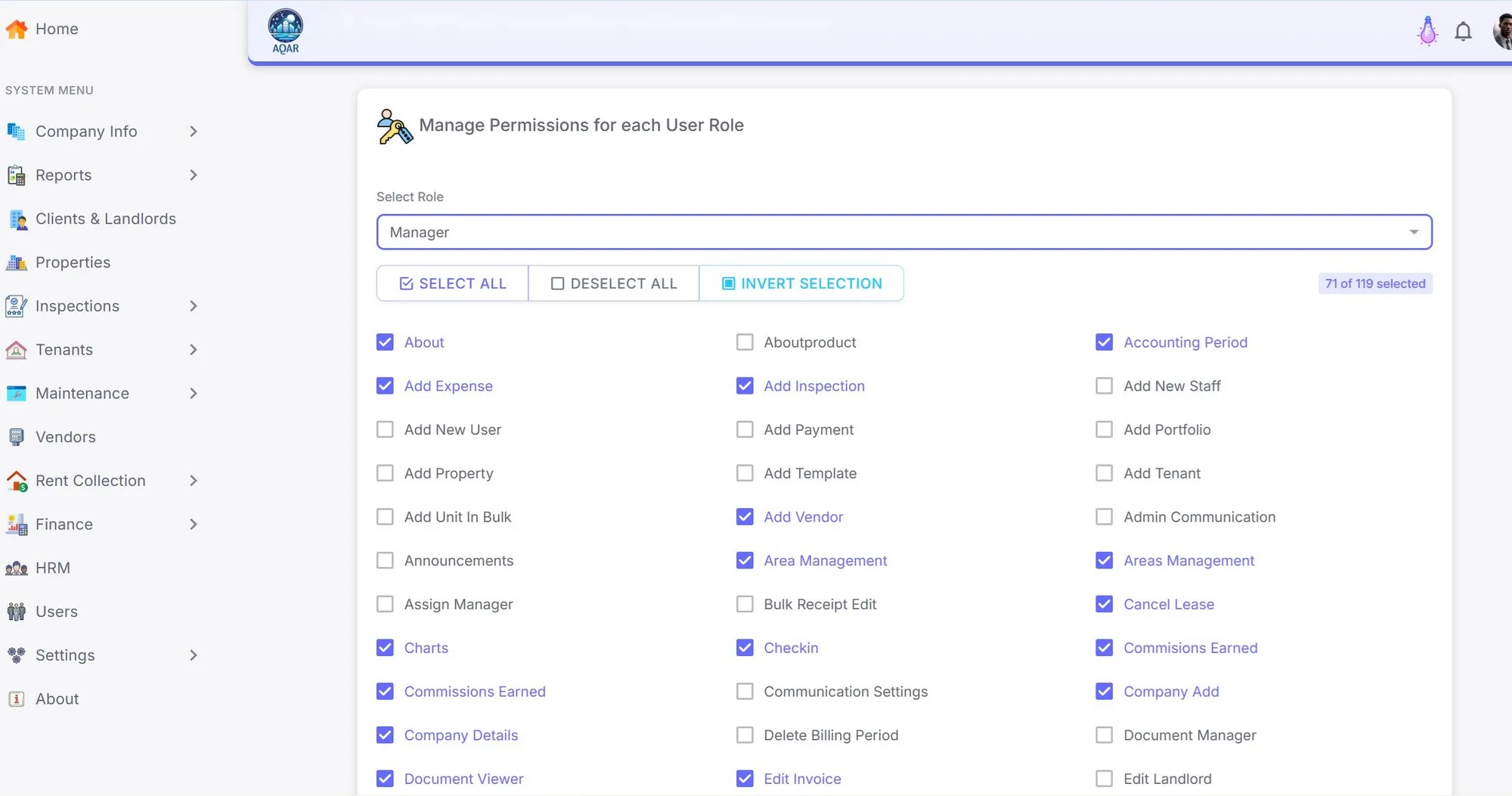
Operational data belongs to the subscriber company. Cross-company tenant rental history is not exposed.
Tenant identity can reduce duplicate records while keeping tenancy-specific data private.
Payments, remittances, role changes, document access, identity linking, and support activity need a traceable record.
The product model supports notices, data subject requests, retention handling, breach records, and DPO review.
No. AQAR is not positioned as a real estate marketplace. It is property management software for rent operations after properties, landlords, units, tenants, and leases already need to be managed.
Yes. Aqar replaces scattered sheets with workflow queues, tenant records, rent invoices, payment proof verification, receipts, landlord reports, remittances, maintenance records, documents, and audit history.
Yes. AQAR supports rent invoices, manual payment records, tenant payment proof, verification workflows, receipts, balances, arrears, and landlord remittance reporting.
AQAR is designed with company isolation, role-based access, audit trails, document controls, and DPPA-aware workflows for tenant, payment, lease, and maintenance records.
Yes. AQAR is browser-based, and the live demo can be opened without local installation.
Open the live demo or speak with us about your properties, reporting needs, payment workflow, and onboarding path.