Does AQAR work for property management companies?
Yes. Property management firms use AQAR to manage tenant records, collections, landlord reporting, maintenance tracking, remittances, documents, and access control across many owners and units.

Aqar gives every role a clear workspace: managers see action queues, accountants verify collections, landlords view reports, and tenants access their records.
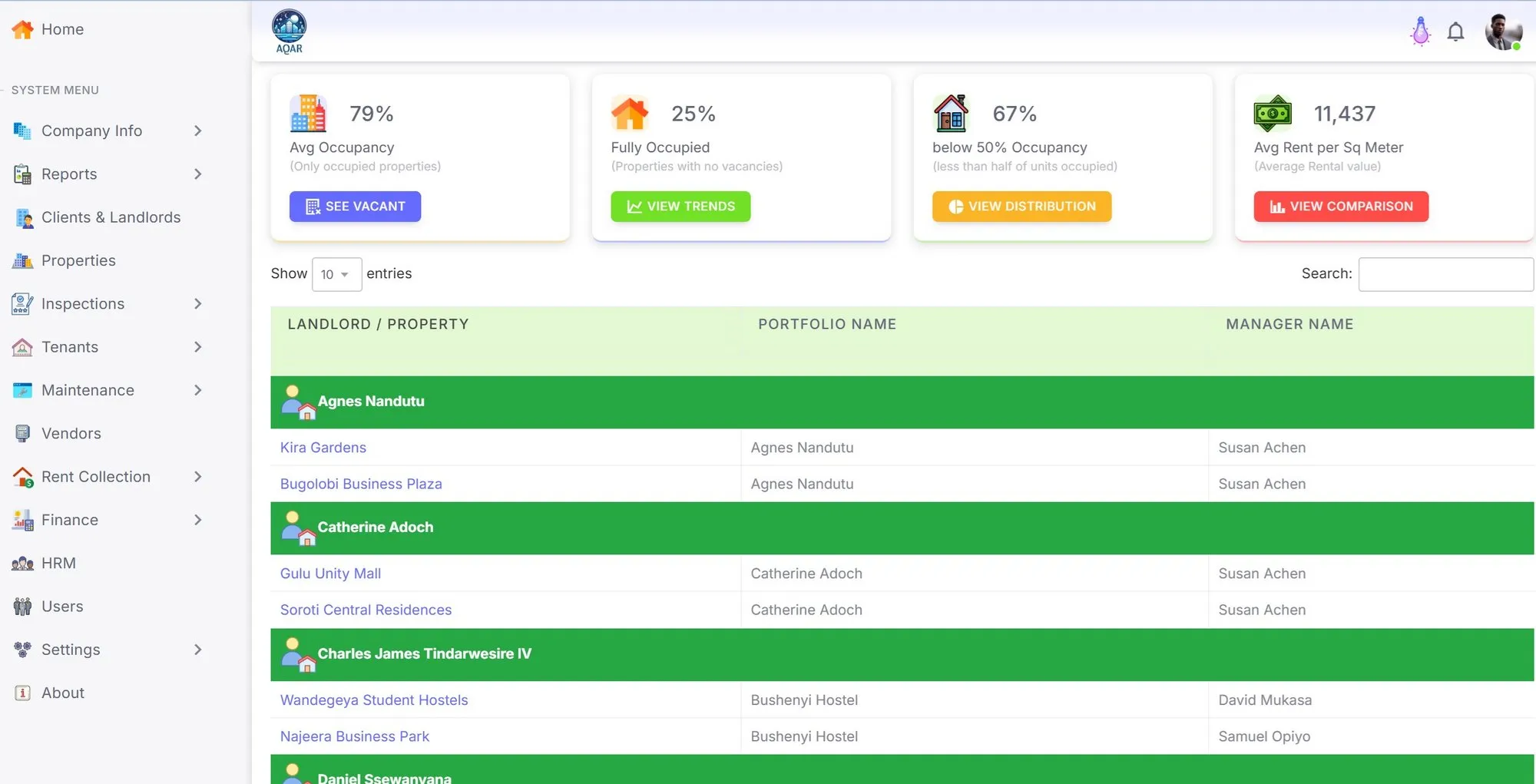
AQAR includes the core web workflows required to operate rental property portfolios: properties, units, tenants, leases, invoices, manual payments, payment proof verification, receipts, maintenance, inspections, landlord statements, remittances, documents, announcements, access control, audit trails, and Excel import/export.
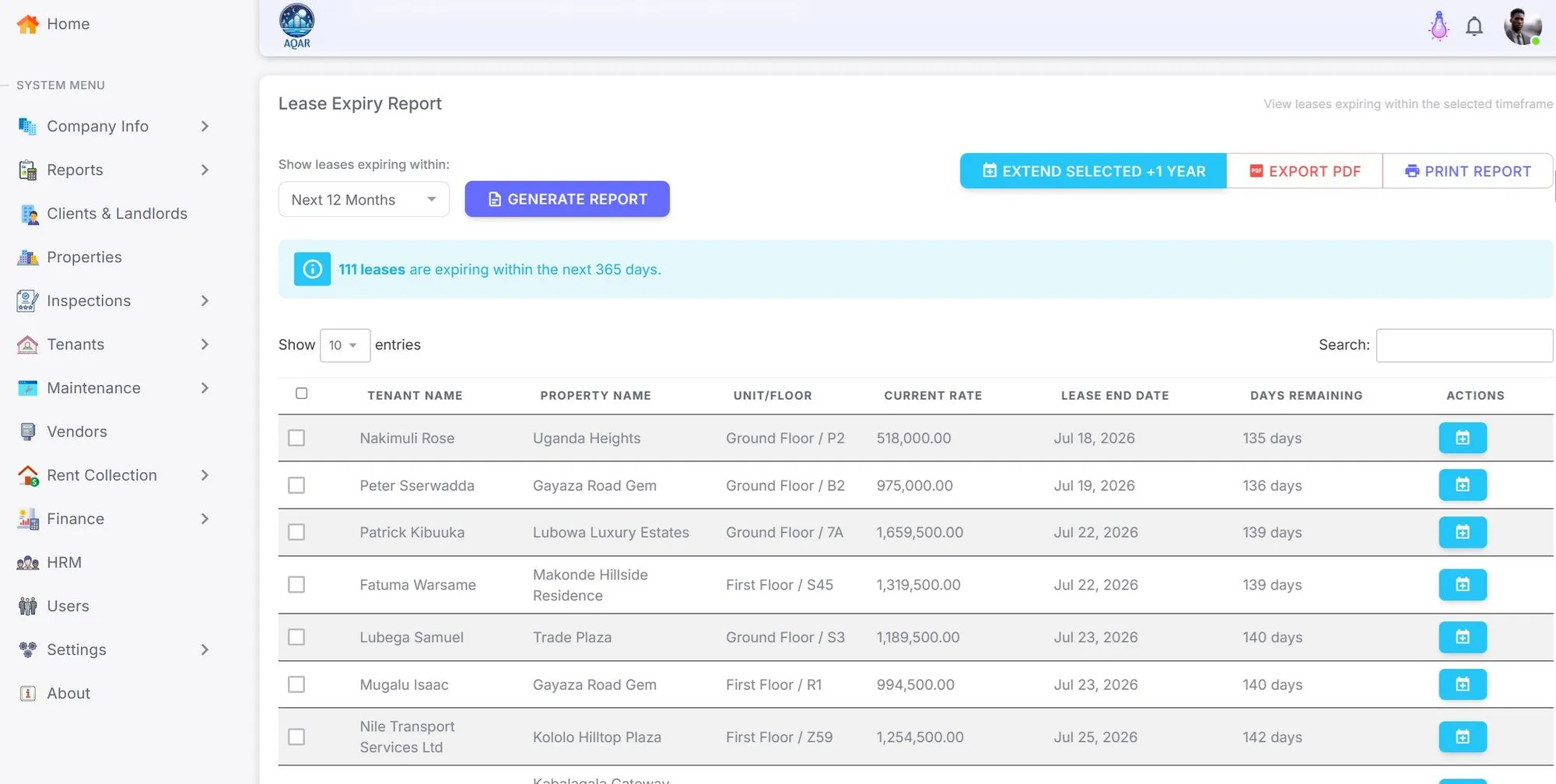
Start each day with occupancy, vacancies, arrears, lease expiries, unverified payments, maintenance, and portfolio health instead of searching through spreadsheets.
Keep tenant identity, tenancy history, lease terms, deposits, documents, and notes in one controlled place while respecting privacy boundaries.
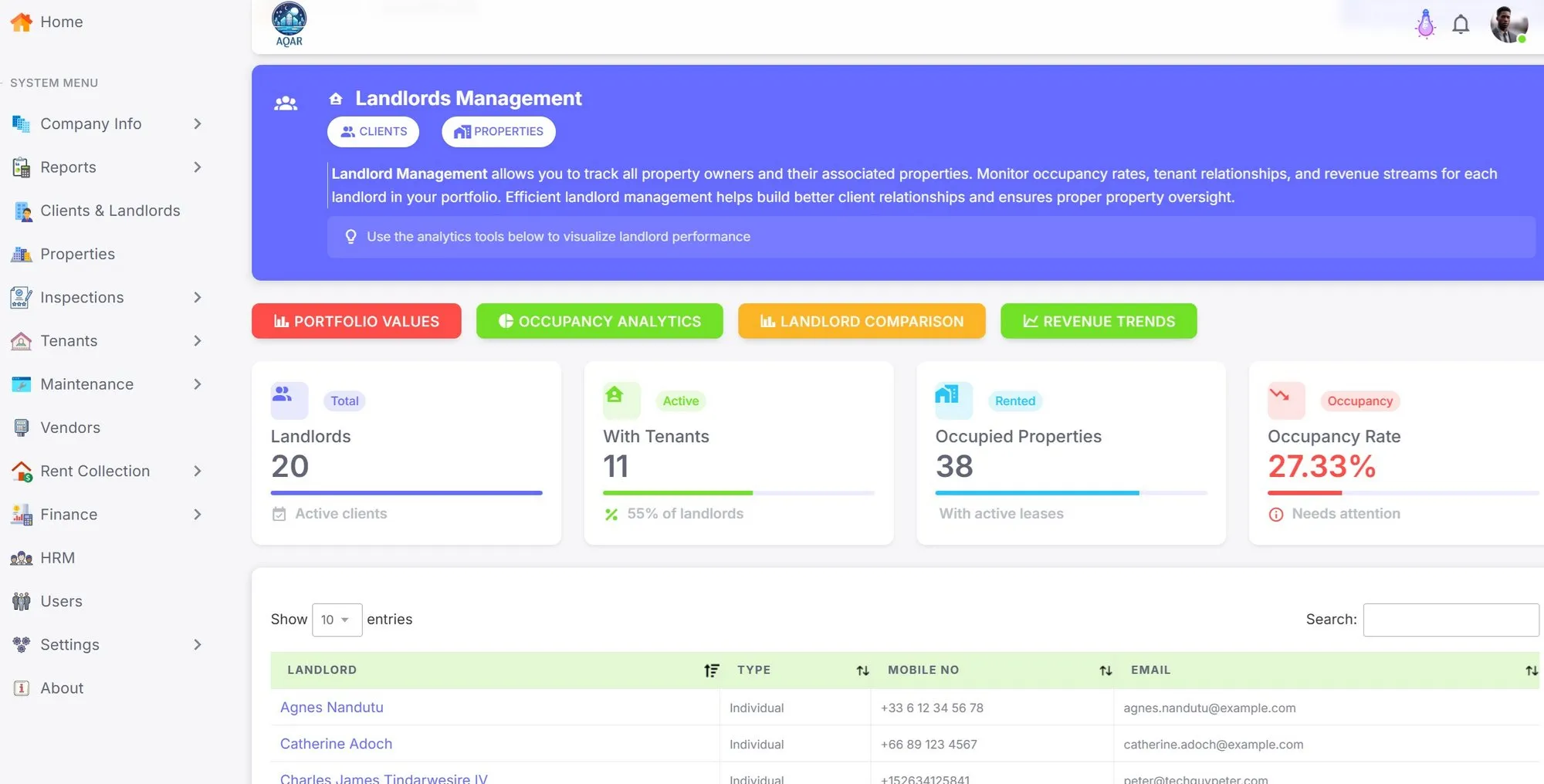
Move collections from screenshots and informal messages into invoices, proof review, receipts, balances, and arrears workflows.
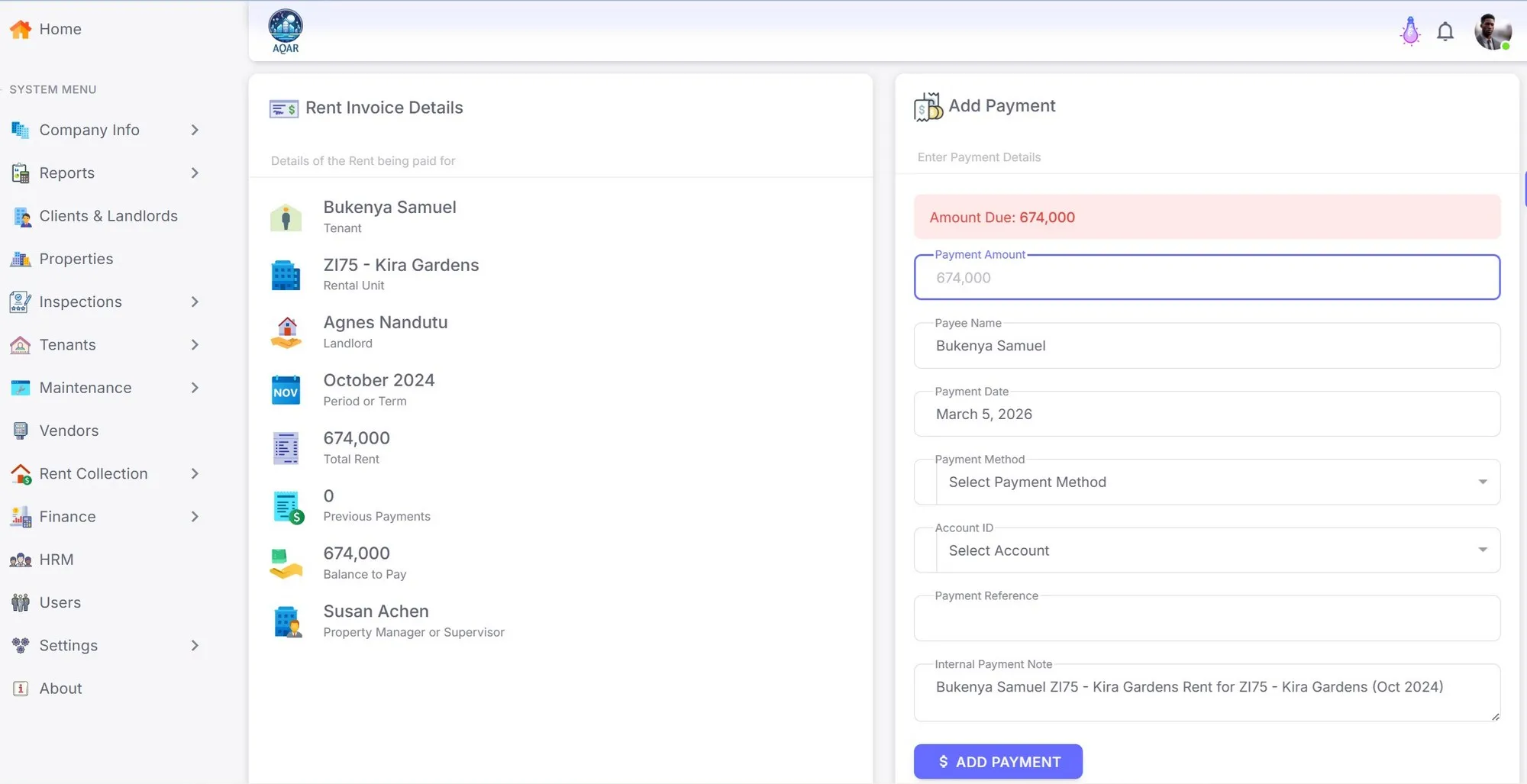
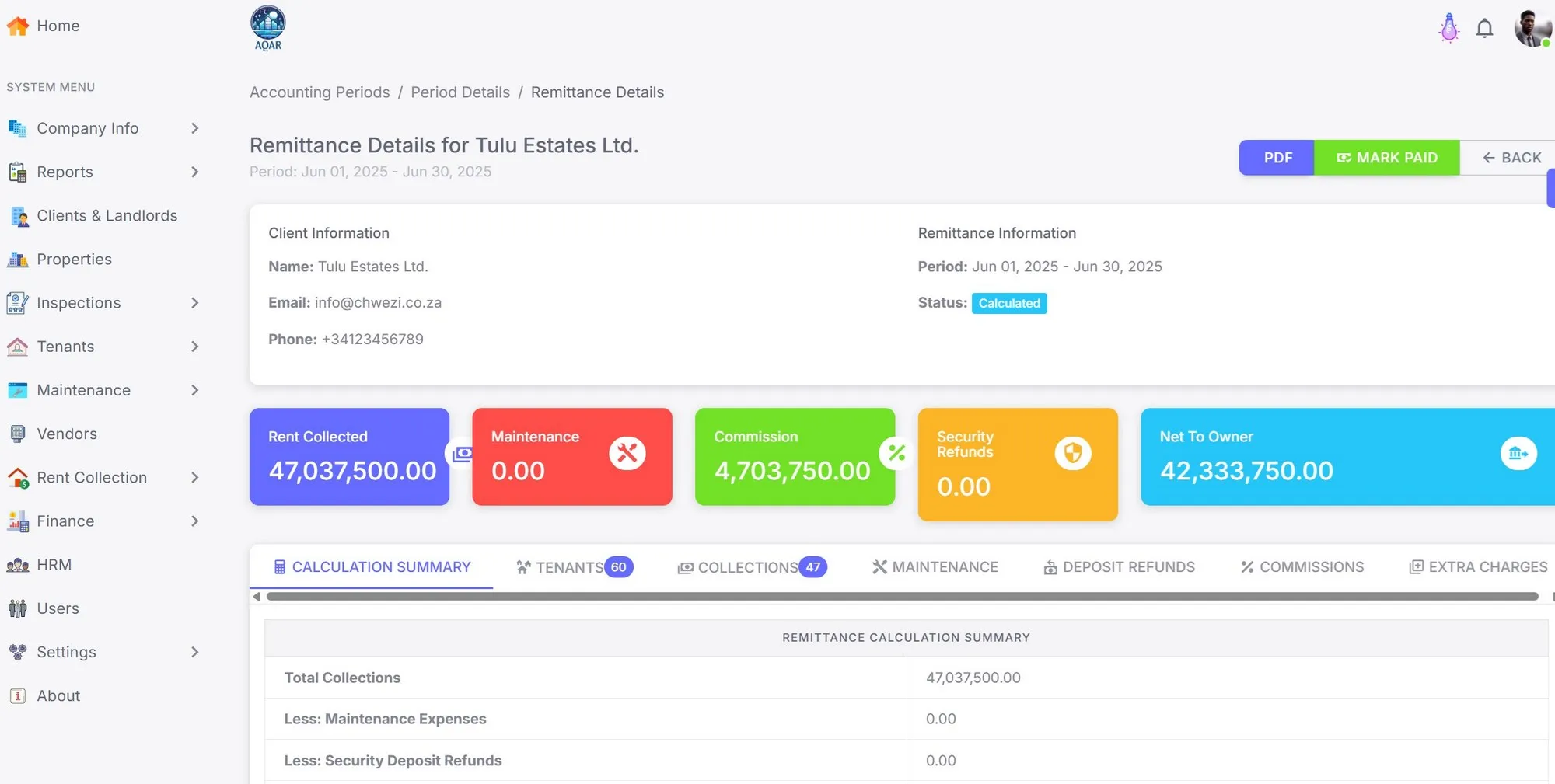
Give landlords credible reports that explain rent received, commissions, deductions, maintenance costs, remittances, and balances.
Turn maintenance requests, costs, photos, assignments, inspection checklists, and follow-up into traceable operational records.
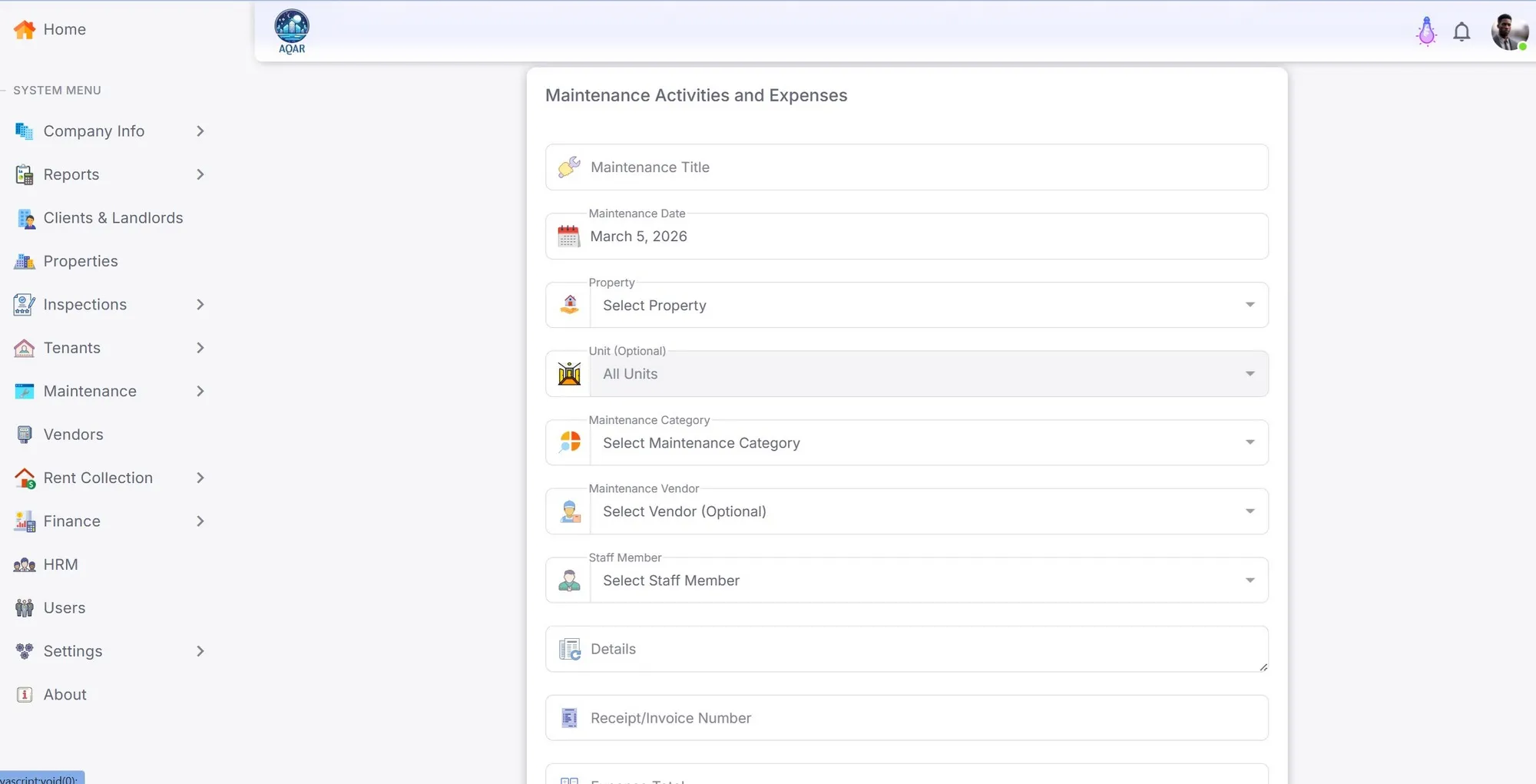
Keep lease files, invoices, receipts, statements, notices, and tenant-facing documents attached to the right entity instead of scattered across phones and folders.
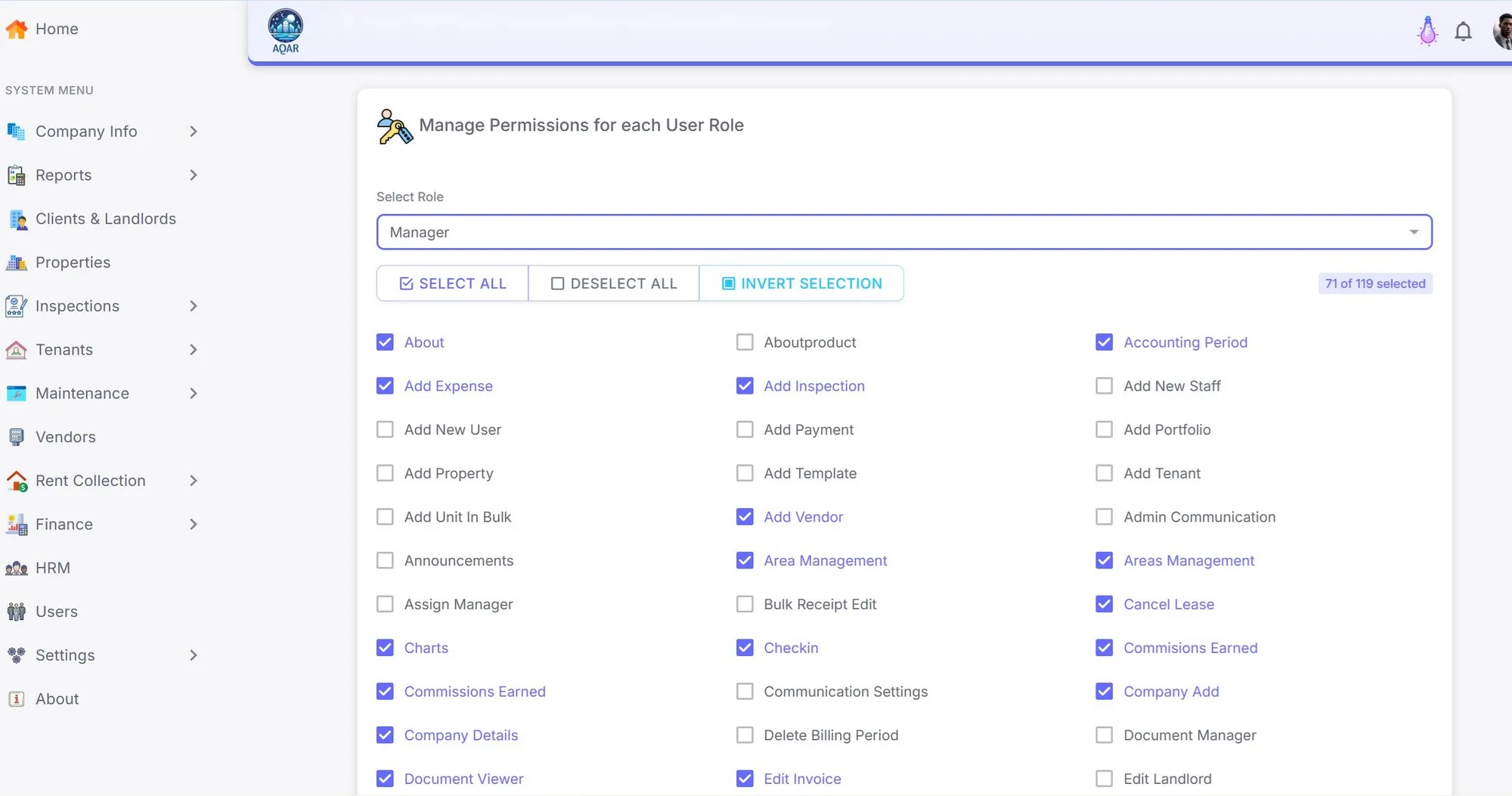
Protect sensitive property, tenant, payment, and landlord data with role-aware access and traceable actions.
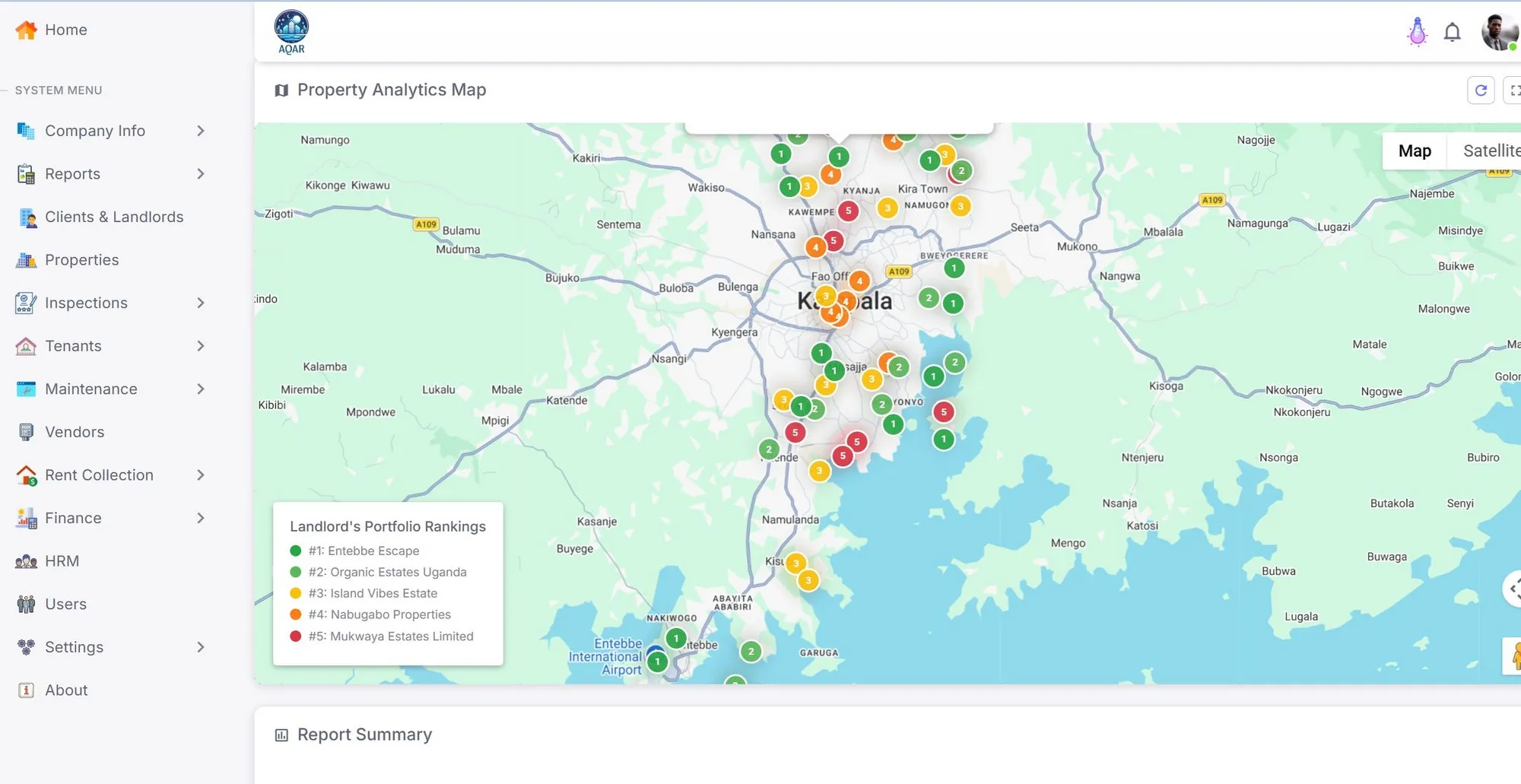
Support location-aware property management and keep regional requirements organized through clear payment, tax, identity, currency, and communication settings.
| Workflow | Spreadsheet pattern | AQAR |
|---|---|---|
| Rent collection | Manual matching of screenshots and references | Invoices, proof review, receipts, arrears, balances, and audit history |
| Landlord reporting | Late manual reports assembled from multiple files | Period close, remittance statements, deductions, and downloadable outputs |
| Maintenance | Phone calls, chat threads, and personal photo galleries | Requests, assignments, costs, status, and evidence records |
| Access control | Shared files and informal permissions | Roles, company isolation, support controls, and sensitive-action logs |
| Tenant service | Repeated calls for balances, receipts, and documents | Self-service records and structured notices where enabled |
Yes. Property management firms use AQAR to manage tenant records, collections, landlord reporting, maintenance tracking, remittances, documents, and access control across many owners and units.
Yes. Aqar gives landlords portfolio visibility, collections, arrears, vacancies, maintenance costs, remittances, and downloadable reports according to their access permissions.
Yes. AQAR supports tenant payment proof submission and manager or accountant verification so payment records move through a structured workflow.
Yes. Excel import/export is part of the onboarding and exit workflow so teams can migrate from spreadsheets without losing control of their records.
AQAR is built around Uganda-first rent operations, payment proof workflows, landlord remittances, SMS-ready communication, DPPA-aware tenant data, and company isolation rather than broad real estate listing workflows.
Open the live demo or speak with us about your properties, reporting needs, payment workflow, and onboarding path.